
Legal dictation software & voice recognition solutions for Law firms
Digitise documentation. Improve accuracy. Free up valuable time.
Law firms rely on precise, timely documents, but manual typing and outdated processes slow fee earners down. SpeechWrite delivers secure, compliant legal digital dictation and legal voice recognition solutions that help firms work faster, smarter and more profitably.
Voice Recognition
Legal voice recognition
High-accuracy legal speech recognition that delivers instant documentation.
Leading accuracy
Up to 99% accuracy, powered by advanced legal vocabularies trained on case law, terminology and citation structures.
Dictate into any application
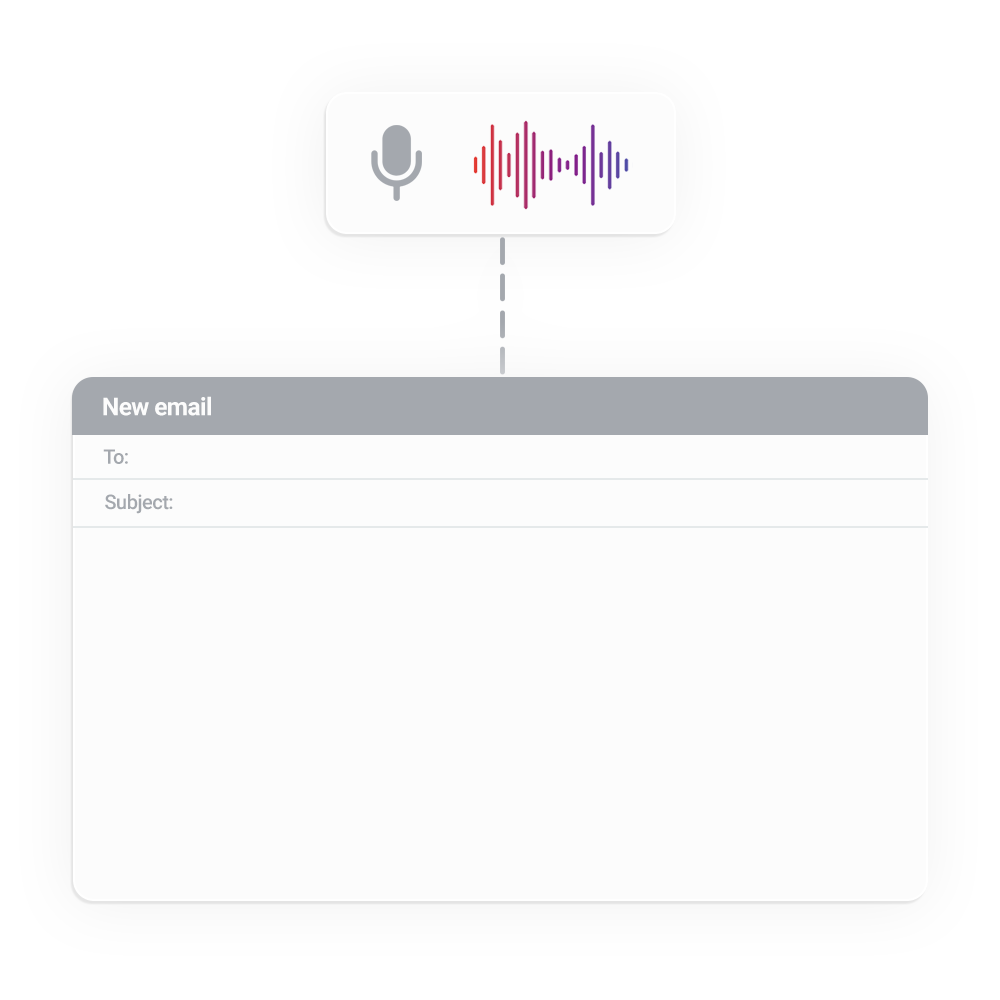
Dictate directly into your CMS, DMS, email, case file, or any Windows application.
Macros & voice commands
Use voice commands for formatting, navigation, corrections and automated text blocks — no keyboard required.
Digital Dictation
Legal digital dictation
Modern digital dictation built for the fast-paced demands of today’s legal workflows.
Secure by design
Cloud-based and GDPR-compliant, hosted on highly secure AWS infrastructure to safeguard client confidentiality.
Custom templates
Streamline contracts, witness statements, client correspondence and more with custom templates.
Dictate from any device
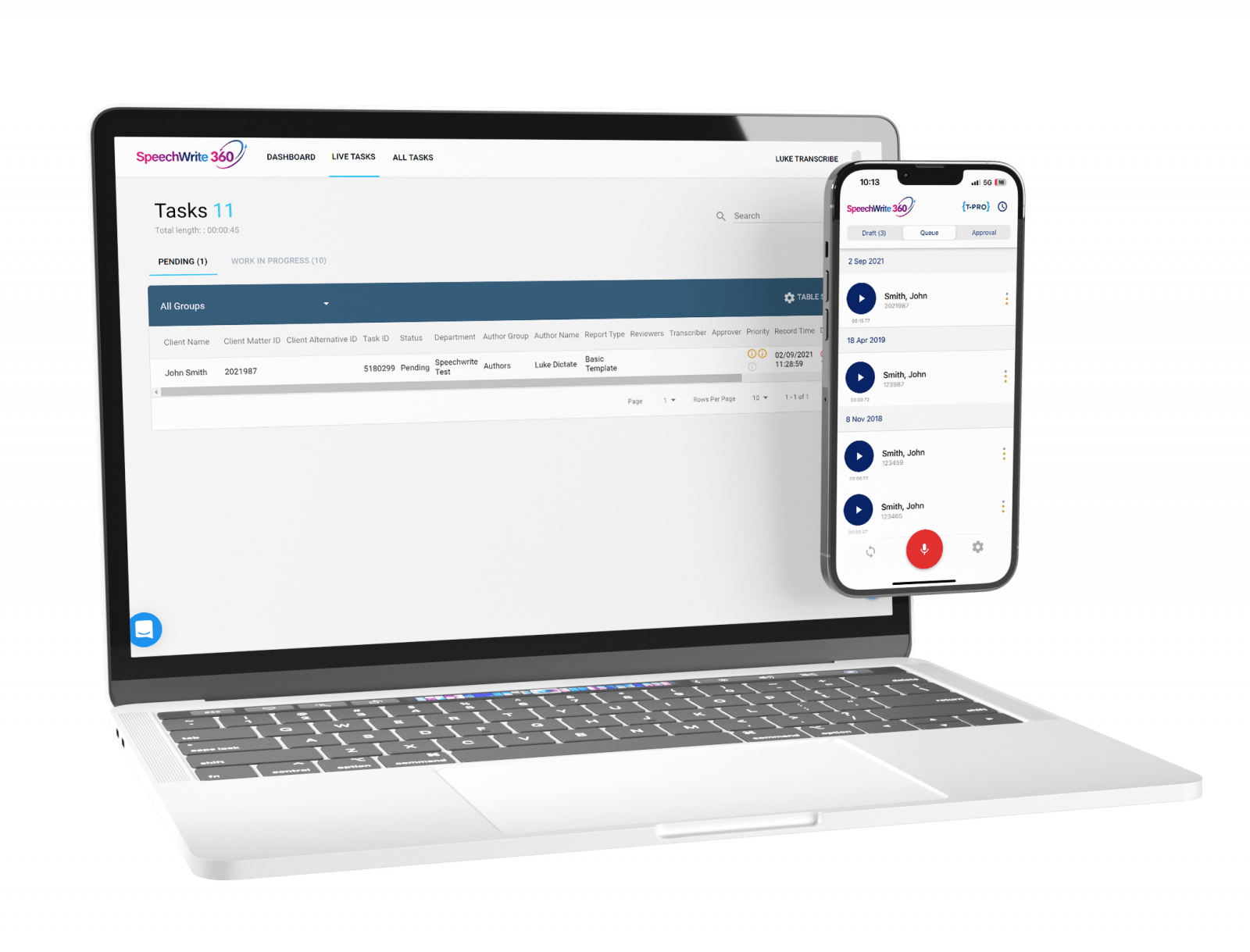
Dictate, review and approve work on desktop, laptop, tablet or mobile, ideal for agile and remote working.
Why?
Why law firms choose SpeechWrite?
Legal professionals need fast, accurate and secure documentation tools to keep cases moving. SpeechWrite delivers a complete suite of legal voice recognition and digital dictation software for the demands of modern legal practice.
Accelerate document production
Create case notes, correspondence, contracts and reports in a fraction of the time using real-time legal speech recognition or digital dictation workflows.
Built for legal accuracy
Our technology understands legal terminology, citations and structured document formats, ensuring high levels of accuracy across all practice areas.
Compliant & confidential
With GDPR-compliant, highly secure AWS hosting, SpeechWrite protects sensitive client information and supports regulatory obligations.
Streamline case management
Integrate seamlessly with leading case and document management systems, allowing fee earners to dictate directly into their existing workflows.
Reduce administrative overload
Automate routine documentation tasks and free support staff from manual transcription, helping firms improve efficiency and profitability.
Flexible working support
Enable fee-earners, barristers and support staff to dictate and transcribe securely from any device or location, supporting agile working without compromising security.
Ambient AI
Ambient AI
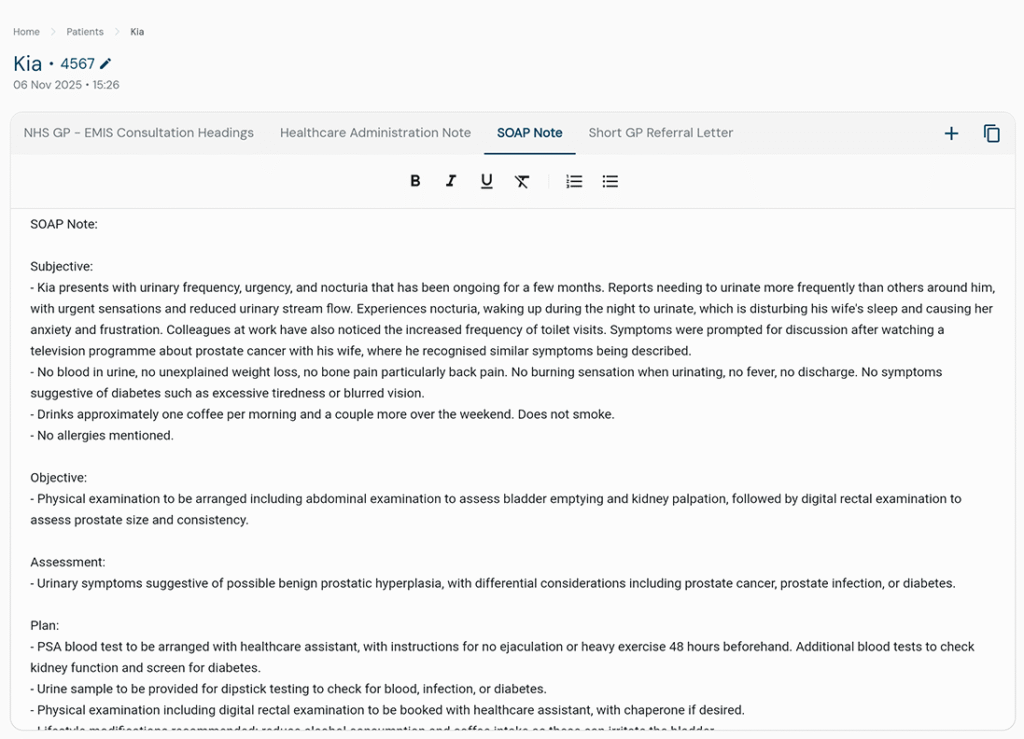
Ambient AI works quietly in the background as you focus on clients, automatically capturing key details without the need for manual admin.
Ambient AI listens while you deliver advice
Transform client interactions with a smart assistant that captures key discussion points, organises information automatically, and reduces documentation time.
-
Generate notes ambiently
-
Capture every detail
-
Available on any device
Generate custom documents with AI
Format your conversations and dictations into structured outputs ranging from attendance notes to client correspondence.
-
Attendance notes
-
Client meeting notes
-
Matter Update
-
Custom Templates
Testimonials
What our customers say
Adrian Crowson
"Without a doubt, the 360 solution has made solicitors' and paralegals' jobs easier. As a direct result of this, our customers get a better service due to faster response times."
Neil Mansell
"The service delivery team at SpeechWrite was brilliant, going above and beyond to help us with our onboarding of over one hundred and forty users of the new 360 system."
Jenny Davies
"Voice recognition enabled our GPs to create typed text instantly... this significantly maximised our time efficiency and took pressures off our internal clerical staff."
Pat French
"We needed the solution to work within our current network environment and provide ease of use for the staff and easy maintenance and control for our IT Team. SpeechWrite 360 delivered this for us"
Pauline Ekins
"SpeechWrite 360 was so easy to deploy, with no requirement to install software locally. Users were set up in less than 5 minutes ready to dictate or receive work."
Adrian Crowson
"Without a doubt, the 360 solution has made solicitors' and paralegals' jobs easier. As a direct result of this, our customers get a better service due to faster response times."
FAQ
Frequently asked questions
What is voice recognition?
Voice recognition converts spoken words into accurate text. SpeechWrite uses advanced AI-powered voice recognition to help legal professionals create documents, emails and case notes faster, reducing admin and improving productivity.
Can I use my mobile phone with SpeechWrite?
SpeechWrite 360 back-end voice recognition allows you to dictate from anywhere a secure mobile app available on iOS and Android.
What's the difference between front-end and back-end voice recognition?
Front-end voice recognition transcribes speech instantly as the fee earner speaks. It is ideal for solicitors who want immediate on-screen text into their applications.
Back-end voice recognition allows the user to dictate, then sends the audio for automated transcription in the background. Support staff can review, edit or route the output within existing workflows.
SpeechWrite supports both models, allowing firms to choose the workflow that best suits each department or user.
How much does SpeechWrite cost?
SpeechWrite offers a wide range of solutions and plans to fit the needs of every organisation.
You can find more information on our pricing plans here.
Does SpeechWrite have contracts?
No – SpeechWrite offers flexible, no-contract subscriptions. You can scale up or down as your needs change, with no hidden fees or long-term commitments.
How accurate is SpeechWrite voice recognition?
SpeechWrite’s legal voice recognition delivers up to 99% accuracy, supported by advanced legal vocabularies.
Accuracy improves over time as the system adapts to individual voices, terminology and corrections.
What's the difference between voice recognition & digital dictation?
Voice recognition converts speech into text automatically, allowing the fee earner to see and edit the output immediately.
Digital dictation records the audio and sends it to support staff, secretaries or a workflow queue for review, editing or transcription.
Many firms use a hybrid approach. Voice recognition for fast document creation, digital dictation for longer documents or secretary-assisted workflows.
How is client data kept secure?
SpeechWrite is designed with security and compliance at its core.
We use GDPR-compliant, highly secure AWS hosting, data encryption, access controls and audit trails to protect client confidentiality.
All data is processed within approved regions and 256bit encrypted at rest.